
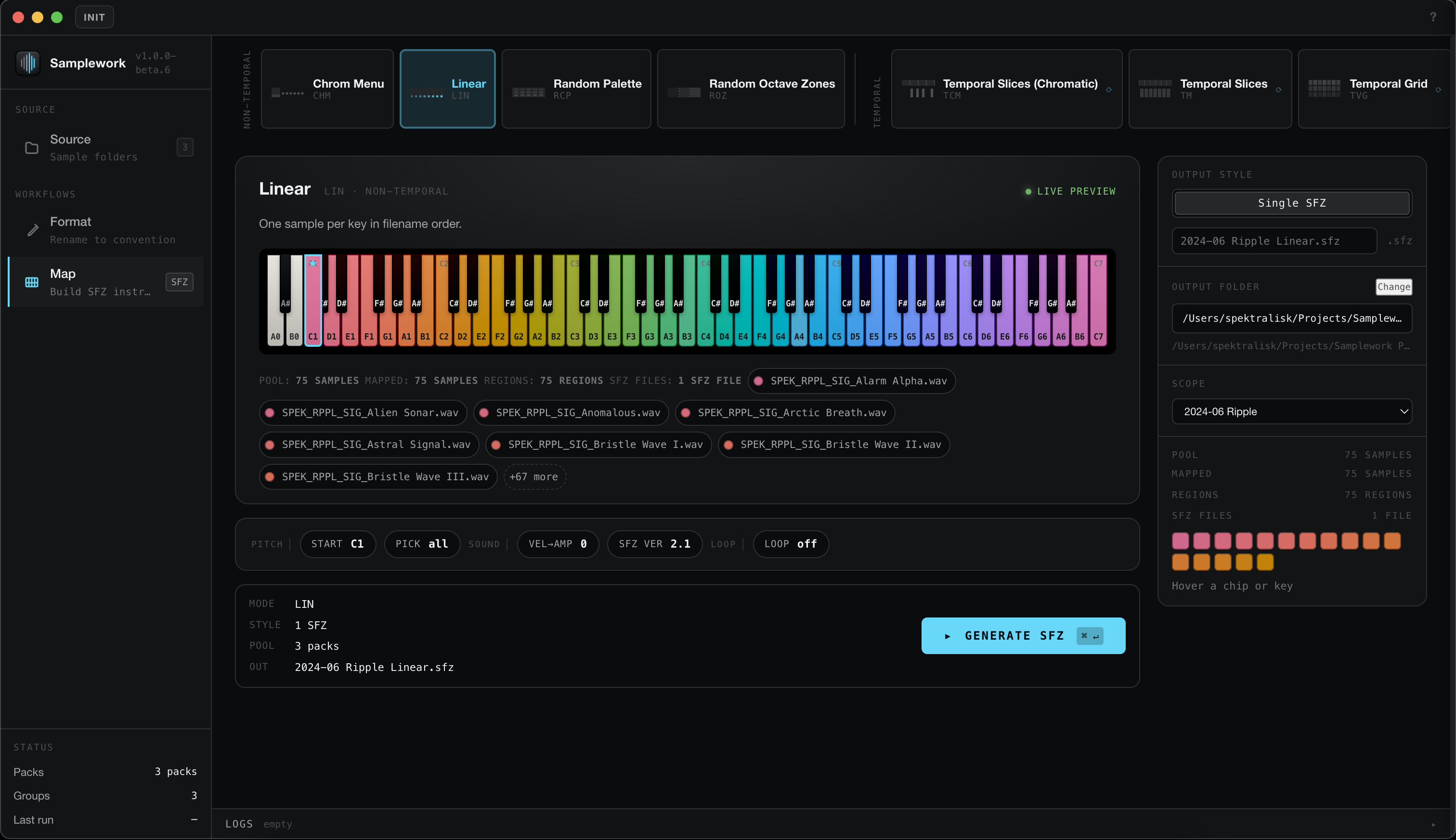
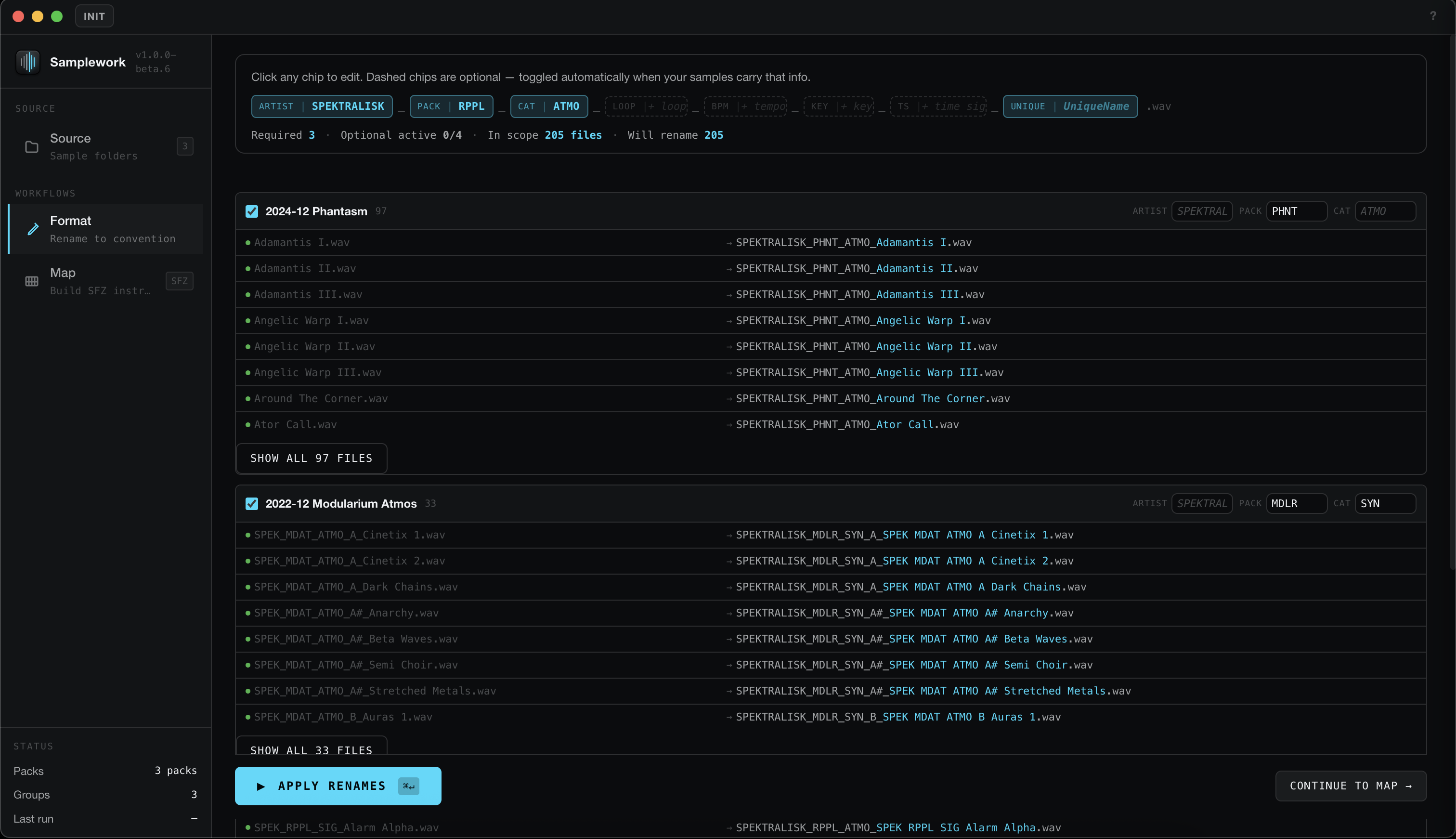
Samplework is a desktop toolkit for processing and organizing audio samples. Point it at a folder of samples and an output folder — it reads the filenames to detect pitch, builds a key map, and writes SFZ instrument files.
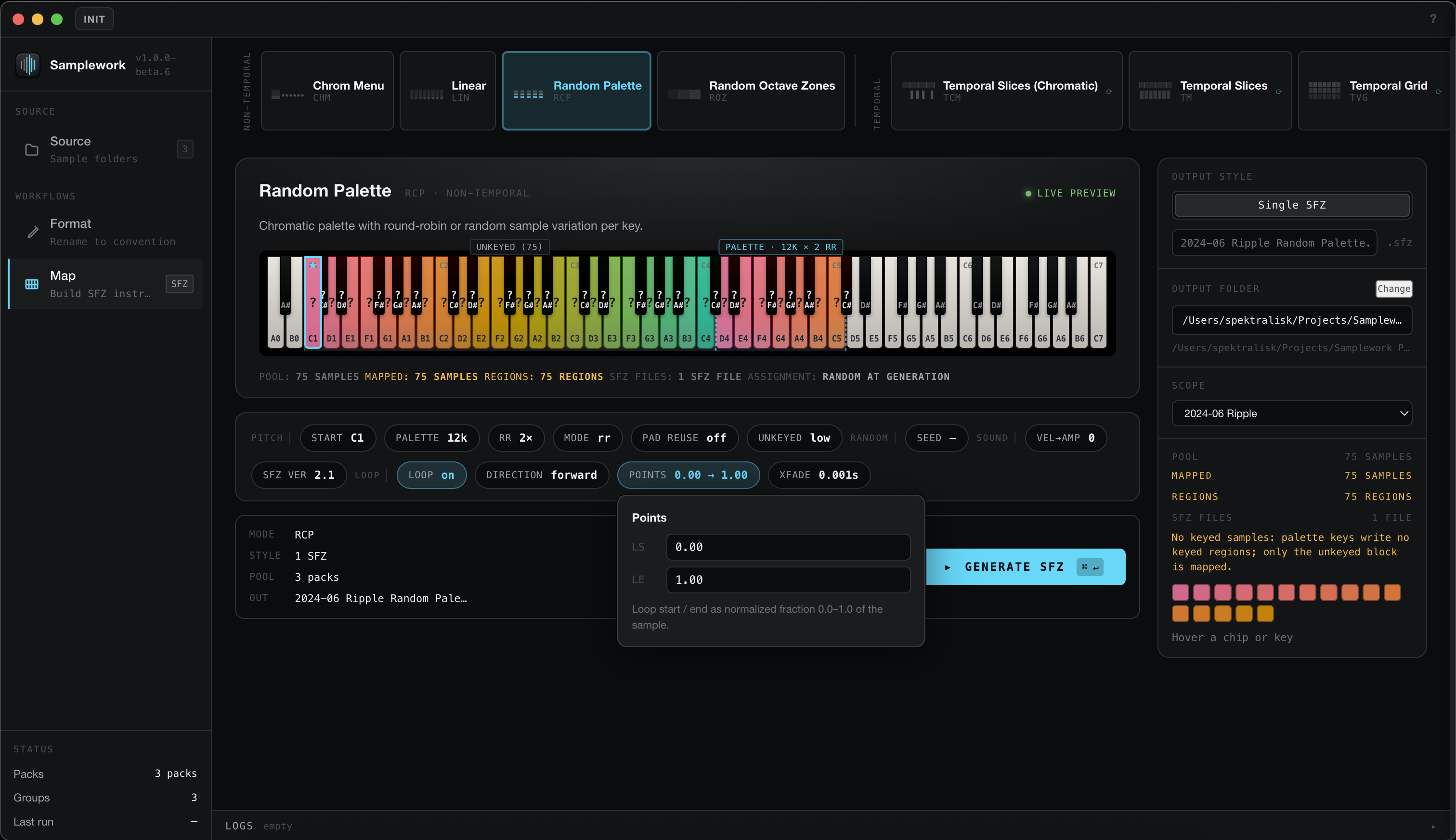
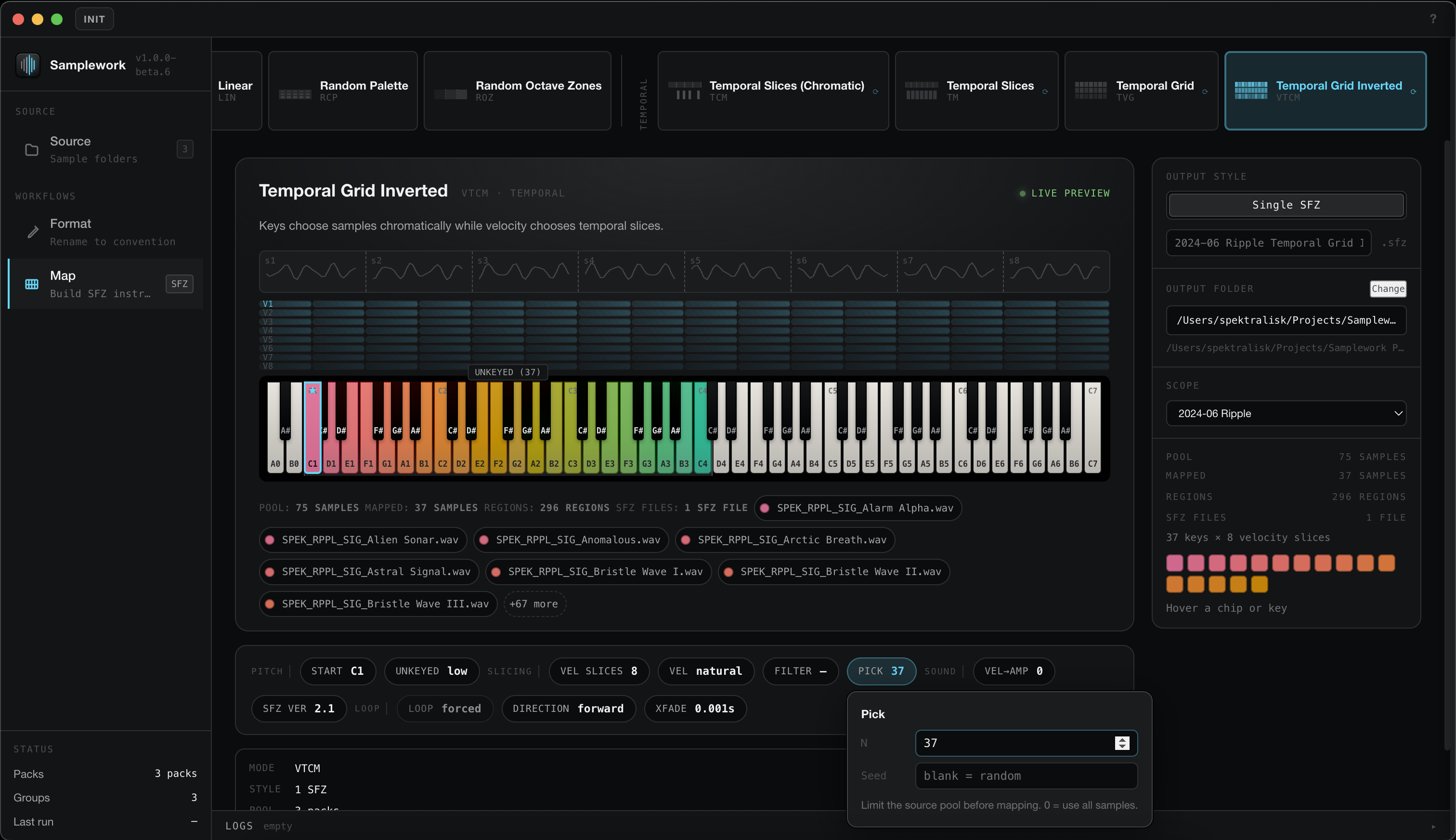
It covers a range of mapping strategies: pitch-aware key mapping, round-robin and palette-based variation, temporal slice mapping, and more. Mappings can draw from a single sample set or combine multiple packs. Seeded randomization keeps variant outputs repeatable.
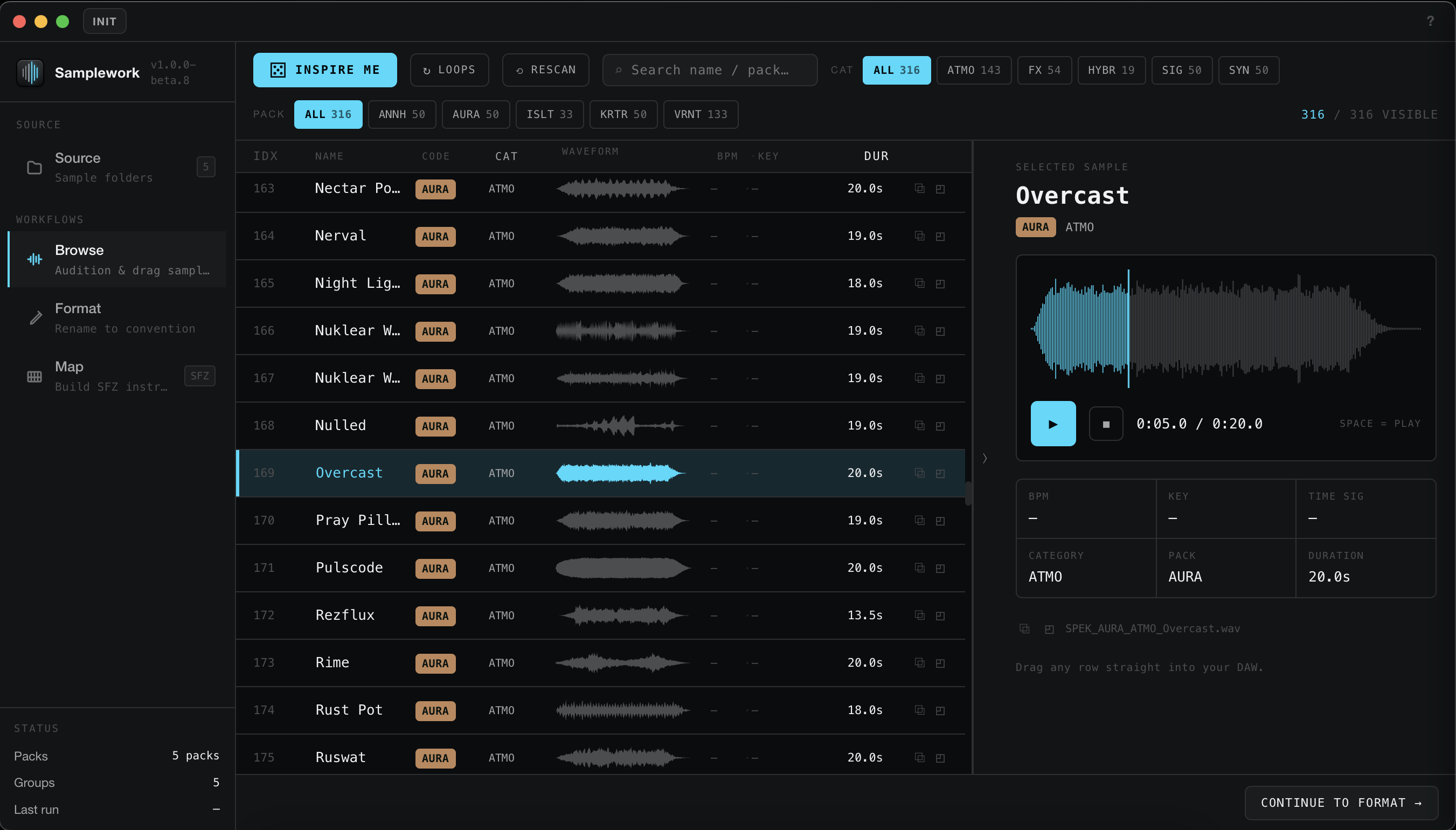
Beyond processing, Samplework includes Browse — a built-in way to audition the samples in your folders before you map them. Seekable waveforms, filter by category and source pack, an “Inspire me” random pick, and drag any sample straight into your DAW or reveal it in Finder.
Built and used in production for Spektralisk Audio sample work.
Who it’s for
Sound designers and sample library creators who work from folders on disk and need consistent, repeatable results. Samplework handles the manual work of file organization and instrument mapping at scale.
Requirements
macOS (Apple Silicon + Intel) or Windows. SFZ output requires an SFZ-compatible sampler.
Version 1.0. Back up your sample folders before processing — Samplework renames and writes files on disk. The installers are not code-signed yet, so macOS Gatekeeper and Windows SmartScreen will warn on first open. Report issues via the contact page.
All future updates are included — once you own it, you have it for life.

Not ready to buy? Grab the free pack →