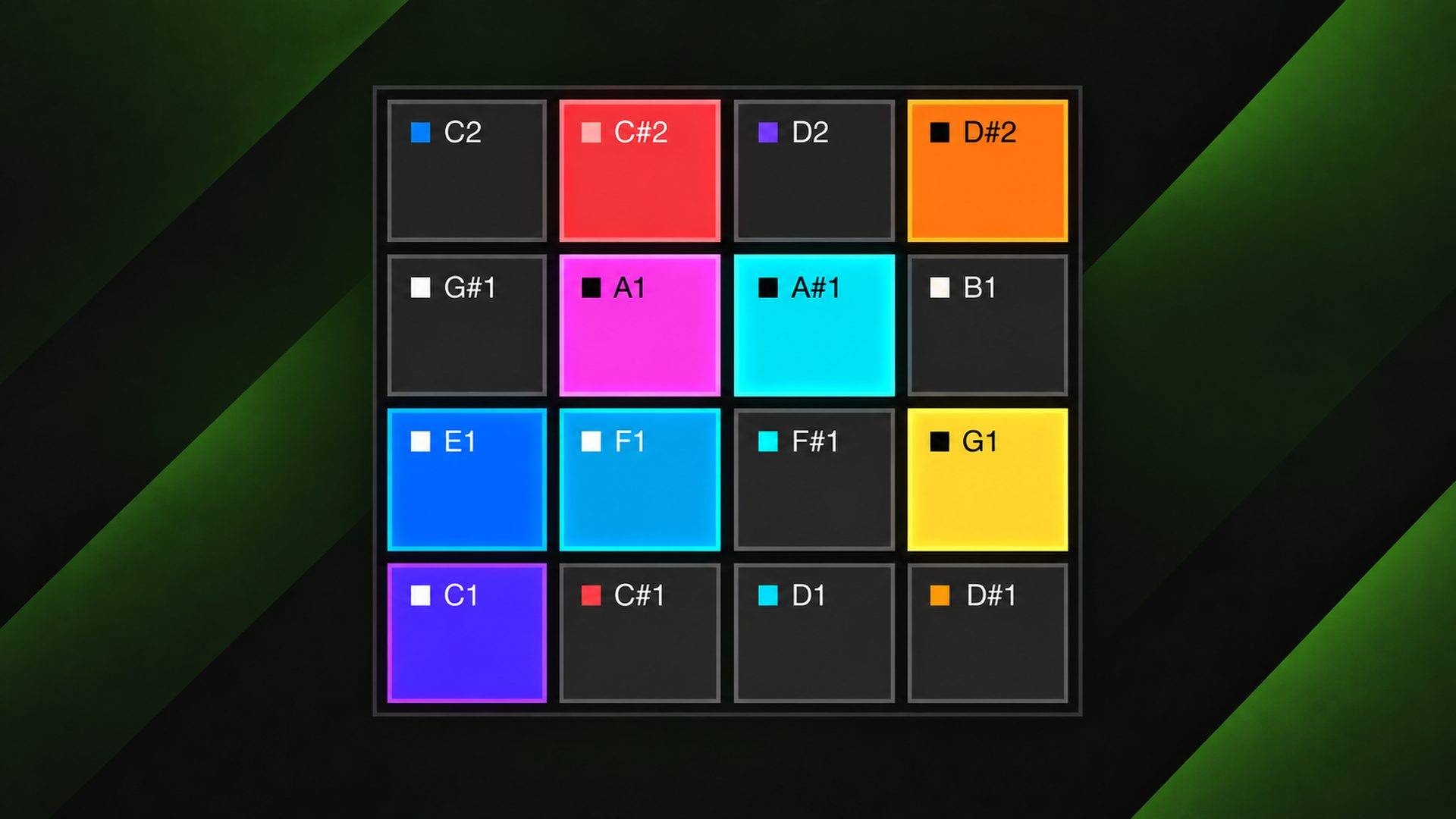
What you can do with it
Protoform is a machine for building ideas quickly. Give it a MIDI clip and a few folders of sounds, and you have a sonic sketch in under a minute. Then one click turns that sketch into a finished arrangement — every slot rendered to its own audio track, one clip per note, ready to mix.
That’s the whole purpose. The distance between I have an idea and I have something I can work on is usually an hour of bouncing, resampling and dragging files around. Protoform closes it to a single action.

Random draw, not browsing
Most sample instruments assume you already know what you’re looking for and help you find it faster. Protoform assumes you don’t.
Point it at pools — named sets of folders anywhere in your library — and it fills a 16-slot kit by drawing at random across them. What lands in front of you is a combination you would never have assembled on purpose. Lock the slots that work, shuffle the rest, repeat until the kit says something. A slot can draw from a different pool than the others, so one kit can hold a bed of atmospheres alongside a handful of drums.
Drag a specific sample onto a pad when you know exactly what you want there. It locks automatically, so the next shuffle leaves it alone.

Two ways to play
Retrigger restarts a sample from the top on every note — conventional, and what you want for drums and one-shots.
Continuous gives each slot its own read head that runs on its own, independent of your notes. A note doesn’t restart the sample; it opens a window onto wherever that head currently is. Hold it and it loops. Play the same note later and you hear a different part. Because every slot is scanning its own sample at its own rate, gating them at different moments layers material into combinations that a from-the-top sampler can’t produce. Set it globally or per slot, and mix the two in one kit.
One click to an arrangement
EXTRACT takes the MIDI clip you’re working on, plays it through the current kit, and renders it out: one audio track per slot, one clip per note, silence stripped, placed at the right positions in your arrangement. Everything you set is baked in — per-slot volume, pitch, pan, envelope, tempo-synced stretching, and any automation you drew on the kit controls, captured as it moves rather than sampled once at each note.
This is the answer to the obvious objection about a random instrument: it sounds great, but how do I keep it? You keep it by printing it. Once it’s audio on separate tracks, it’s a normal arrangement — process it, chop it, replace parts, and the happy accident is permanent.
The rest of it
- Tempo sync — BPM-tagged loops follow your set tempo, pitch preserved.
- Pitch lock — conform samples to each slot’s note by nearest pitch class, or restrict shuffling to material already in the right key, so tonal kits stay musical.
- Per-slot mixing — volume, pitch, pan, solo, mute, and an amplitude envelope on every slot, with a kit-wide master and transpose. Volume, pan and pitch respond while notes are held.
- Automation and MIDI mapping — playback mode, master volume, transpose and the global envelope are real Live parameters. Draw them into an automation lane, map them to a controller, reach them from Push. Per-slot volume, pitch and pan remain drawn controls.
- Loop filter — scope shuffling to loops only, or exclude them entirely.
- Kits save with your set — including as a Live Clip dragged to your browser, so a sketch you liked comes back intact months later, samples and settings together.
Ways people use it
- Finding an idea fast — sketch a rough MIDI clip, shuffle sounds into it until something works, and carry it straight into an arrangement. Watch →
- Generating and curating drum kits — shuffle, lock what works, keep re-rolling the rest.
- Remixing loops you already own — loops-only shuffling with continuous gating pulls new arrangements out of old material. Watch →
- Atmospheric beds and transitions — long overlapping notes across atmosphere and FX pools, shuffled into pads, risers and impacts. Watch →
- Aleatoric performance — continuous slots as independent loopers, each cycling at its own length, woven live.
- Hybrid patterns — retrigger slots holding a repeatable groove while continuous slots move underneath. Watch →
- Key-locked harmonic sketching — pitch lock keeps a tonal shuffle in key, layering chords from unrelated sources.
- A sound menu — a random spread of sounds across the keys, played through to hear what you have and pick the ones worth keeping.
- Turning a library into an instrument — point a pool at a whole sample folder and play a cross-section of it.
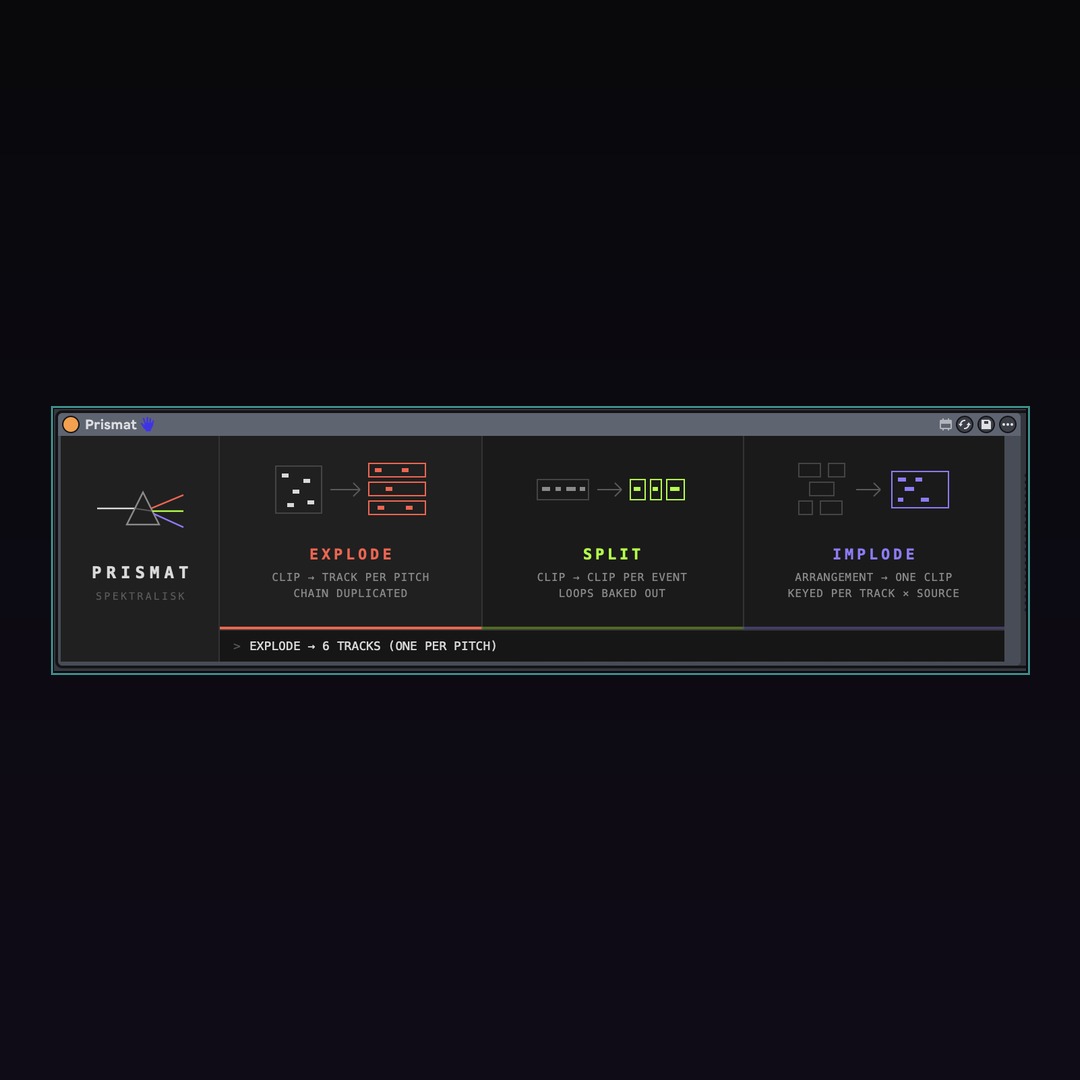
- Scoring to picture — collapse a cue’s MIDI events into one clip with Prismat, then shuffle sound effects against the video until the hits land. Watch →
- Printing the accident — extract a shuffled performance to stems and carry on arranging. Watch →
Sounds
Protoform ships with no samples. It plays your own library — point it at folders you already own and it draws from those. If you want a library built for it, most of what you hear in the videos comes from Sample Spektrum.
Requirements
Ableton Live 12.4.5+ with Max for Live. The device is frozen with the Max that ships in 12.4.5; earlier Live 12 releases carry an older Max and may refuse to open it.
Extraction writes audio into your Live project folder and needs the set saved first.
In the Vault
Protoform is included in Spektralisk Vault, free while subscribed and updated as it grows — alongside the sounds, Blueprints and instruments that land there month to month.
This is version one. It is still being built, and updates are included either way.


Not ready to buy? Grab the free pack →